



BossPhil mobile app vs browser Key Takeaways
Choosing between the BossPhil mobile app vs browser version depends on how and where you manage your tasks.
- The BossPhil mobile app vs browser comparison reveals distinct strengths in portability versus screen real estate.
- Push notifications and offline draft support make the mobile app ideal for quick updates, while the browser version excels at bulk operations and reporting.
- Your choice should align with how often you need to update tasks versus review detailed analytics.
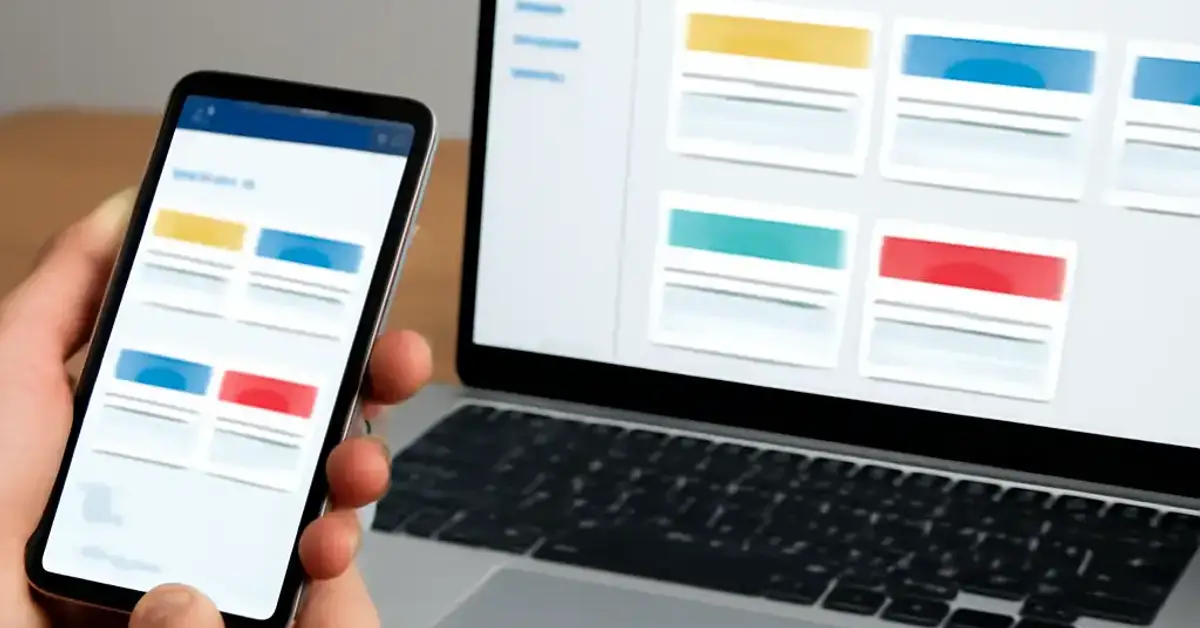
What Makes the BossPhil Mobile App vs Browser Version Different?
BossPhil is designed to help business owners and team leaders manage projects, delegate tasks, and track progress. But the experience shifts significantly depending on whether you use the dedicated mobile app or the full browser version. Understanding these differences ensures you get the most out of the tool without frustration. For a related guide, see 7 Common Mistakes New BossPhil Players Make and How to Avoid Them.
The mobile app focuses on convenience and speed. It’s built for moments when you’re away from your desk — checking updates during a commute, approving requests while waiting, or quickly assigning a task from your phone. The browser version, by contrast, prioritizes depth. It offers a larger workspace, more detailed reports, and advanced configuration options that don’t fit comfortably on a small screen.
Key Differences Between BossPhil Mobile App vs Browser
1. User Interface and Navigation
The BossPhil mobile app vs browser interface follows different design philosophies. The mobile app uses a bottom navigation bar with large touch targets, making it easy to tap with one hand. Menus are simplified, and only essential options appear by default to reduce clutter.
In the browser version, you get a left sidebar with expandable sections, drag-and-drop functionality for task prioritization, and hover tooltips that reveal extra data. The browser version also supports keyboard shortcuts, which power users appreciate for rapid navigation.
2. Feature Availability
Not every feature present in the browser version makes its way to the mobile app. Advanced reporting, custom workflow automation, and bulk editing of tasks are available only in the browser. The mobile app covers core actions — create, assign, comment, and mark tasks complete — but leaves deeper configuration for the desktop.
For example, if you need to set up recurring tasks or export a project timeline, you’ll need to switch to the browser version. The mobile app does support offline draft saving, so you can jot down task ideas without an internet connection and sync them later.
3. Performance and Load Times
Both versions perform well under normal conditions, but differences emerge with larger datasets. The BossPhil mobile app vs browser performance on projects with hundreds of tasks shows the browser version loading full data faster due to a more powerful rendering engine. The mobile app may show a slight delay when filtering large task lists, though it remains responsive for most daily operations. For a related guide, see 5 Trusted BossPhil E-Wallet Options for Filipino Players.
Battery consumption is another factor — the mobile app is optimized to minimize background activity, while the browser version can consume more resources if you keep multiple tabs open. For heavy users who manage several projects simultaneously, the browser version on a laptop offers a smoother experience.
4. Notifications and Communication
The mobile app shines with push notifications. You receive real-time alerts when a task is updated, a deadline approaches, or a team member requests approval. This keeps you informed without needing to actively check the platform.
The browser version relies on email notifications and in-app badges. While you can still stay updated, the lack of push alerts means you might miss time-sensitive updates if you’re not already logged in. For team leads who need immediate awareness, the mobile app is the better choice.
5. File Management and Attachments
Uploading files via the mobile app is straightforward — you can attach photos, documents, or voice notes directly from your device. However, the browser version offers a richer file management experience, including version history, drag-and-drop uploads, and the ability to preview documents without downloading them.
If your workflow involves frequent file reviews or editing shared documents, the browser version provides more flexibility. For quick photo uploads from a job site or meeting notes recorded as voice memos, the mobile app is more convenient.
Pros and Cons of Each Version
BossPhil Mobile App Pros
- Push notifications keep you updated in real time.
- Offline draft support for note-taking without internet.
- One-handed navigation ideal for on-the-go updates.
- Quick photo and voice note uploads from your phone.
BossPhil Mobile App Cons
- Limited advanced reporting and automation features.
- Small screen makes complex task management cumbersome.
- No keyboard shortcuts for power users.
- Slightly slower load times with very large projects.
BossPhil Browser Version Pros
- Full-screen workspace for comprehensive project overviews.
- Advanced reporting, automation, and bulk editing tools.
- Faster data loading and smoother filtering on large datasets.
- Keyboard shortcuts and drag-and-drop task management.
BossPhil Browser Version Cons
- No push notifications — relies on email alerts.
- Requires a stable internet connection for most features.
- Less convenient for quick updates away from a desk.
- Can be resource-heavy with multiple tabs open.
How to Choose Between BossPhil Mobile App vs Browser
Your decision should align with your primary use case. If you spend most of your day at a desk managing detailed projects, the browser version will serve you best. For team leaders who are frequently on the move and need to approve or assign tasks in seconds, the mobile app is the better fit.
Many users find that using both versions together works best — the mobile app for quick check-ins and updates, and the browser version for deep work like reporting and workflow configuration. This hybrid approach lets you leverage the strengths of each platform without compromise.
Useful Resources
For more detailed guidance on project management tools, visit ProjectManager’s comparison of mobile vs desktop project management.
Learn about best practices for task delegation at Asana’s task delegation guide.
Frequently Asked Questions About BossPhil mobile app vs browser
Can I use BossPhil on both mobile and browser with the same account?
Yes, your BossPhil account syncs across both platforms. Any changes made on the mobile app appear immediately in the browser version and vice versa.
Does the BossPhil mobile app work offline?
The mobile app supports offline draft saving for new tasks. However, syncing and real-time updates require an internet connection.
Is the BossPhil browser version faster than the mobile app?
Generally, yes. The browser version loads larger datasets faster and handles complex filtering more smoothly than the mobile app.
Can I access advanced reporting on the BossPhil mobile app?
No, advanced reporting features are only available in the browser version. The mobile app offers basic task views and status updates.
Does the BossPhil mobile app send push notifications?
Yes, the mobile app sends push notifications for task assignments, deadline reminders, and approval requests. The browser version uses email notifications instead.
Can I upload files from my phone using BossPhil?
Yes, you can attach photos, documents, and voice notes directly from your mobile device.
Does the browser version support drag-and-drop task management?
Yes, the browser version includes full drag-and-drop functionality for reordering tasks and prioritizing projects.
Can I use keyboard shortcuts in the BossPhil mobile app?
No, keyboard shortcuts are only supported in the browser version for faster navigation and task management.
Which version is better for team leads who are always on the go?
The mobile app is ideal for quick updates and approvals on the move, thanks to push notifications and a simplified interface.
Can I automate workflows in the BossPhil mobile app?
Workflow automation is only available in the browser version. The mobile app handles manual task creation and assignment.
Does the browser version consume more battery than the mobile app?
If you keep multiple tabs open, the browser version can use more system resources. The mobile app is optimized for lower battery consumption.
Can I edit tasks in bulk using the mobile app?
No, bulk editing is a browser-only feature. The mobile app supports editing one task at a time.
Is there a limit on project size for the mobile app?
The mobile app can handle projects of any size, but performance may slow with hundreds of tasks. The browser version handles large projects more efficiently.
Can I preview documents in the BossPhil mobile app?
The mobile app allows basic file previews, but the browser version offers more robust document viewing and version history.
Do both versions receive updates at the same time?
Generally, yes. BossPhil releases updates for both platforms simultaneously, though mobile app updates may take a day or two to appear on app stores.
Can I assign tasks to team members from the mobile app?
Yes, task assignment is available on both platforms. The mobile app simplifies the process with a contact picker and quick-assign options.
Does the browser version offer a dark mode?
Yes, the browser version includes a dark mode setting for reduced eye strain during extended use.
Can I export project timelines from the mobile app?
No, export features such as PDF or CSV downloads are only available in the browser version.
Is the BossPhil mobile app free with a subscription?
Yes, the mobile app is included with any BossPhil subscription at no extra cost. Download it from the App Store or Google Play.
Which version do most BossPhil users prefer?
Most users prefer the browser version for deep work and reporting, while relying on the mobile app for quick check-ins and task updates throughout the day.

Sachi Higuchi is an SEO-driven iGaming content specialist with over five years of hands-on experience in search engine optimization and digital content strategy. She specializes in competitive niche markets, applying data-backed keyword research, on-page optimization, and technical SEO principles to improve organic visibility and long-term search performance.
Her expertise extends to in-depth analysis of online casino platforms, bonus structures, payment systems, and player-focused features across Asian markets. Sachi is known for delivering structured, transparent, and research-based content that balances search performance with user trust.
With a strong foundation in responsible gaming principles and compliance-aware writing, she prioritizes accuracy, clarity, and informed decision-making—ensuring her work meets both industry standards and the evolving expectations of digital audiences.